


Arctic BioniX P140 Review
Introduction
Arctics BioniX series already proved itself to be an overpowered version of their Normal P and F counterparts.
After the 120mm BioniX Fans already stamped their non-BioniX competitors into the ground, let's see if the bigger 140mm form factor can do so too!
Positive
- Performance
- Price
- Design
- PWM Daisychainable
Neutral
- /
Negative
- Noise-To-Performance should be better
What's in the Box?
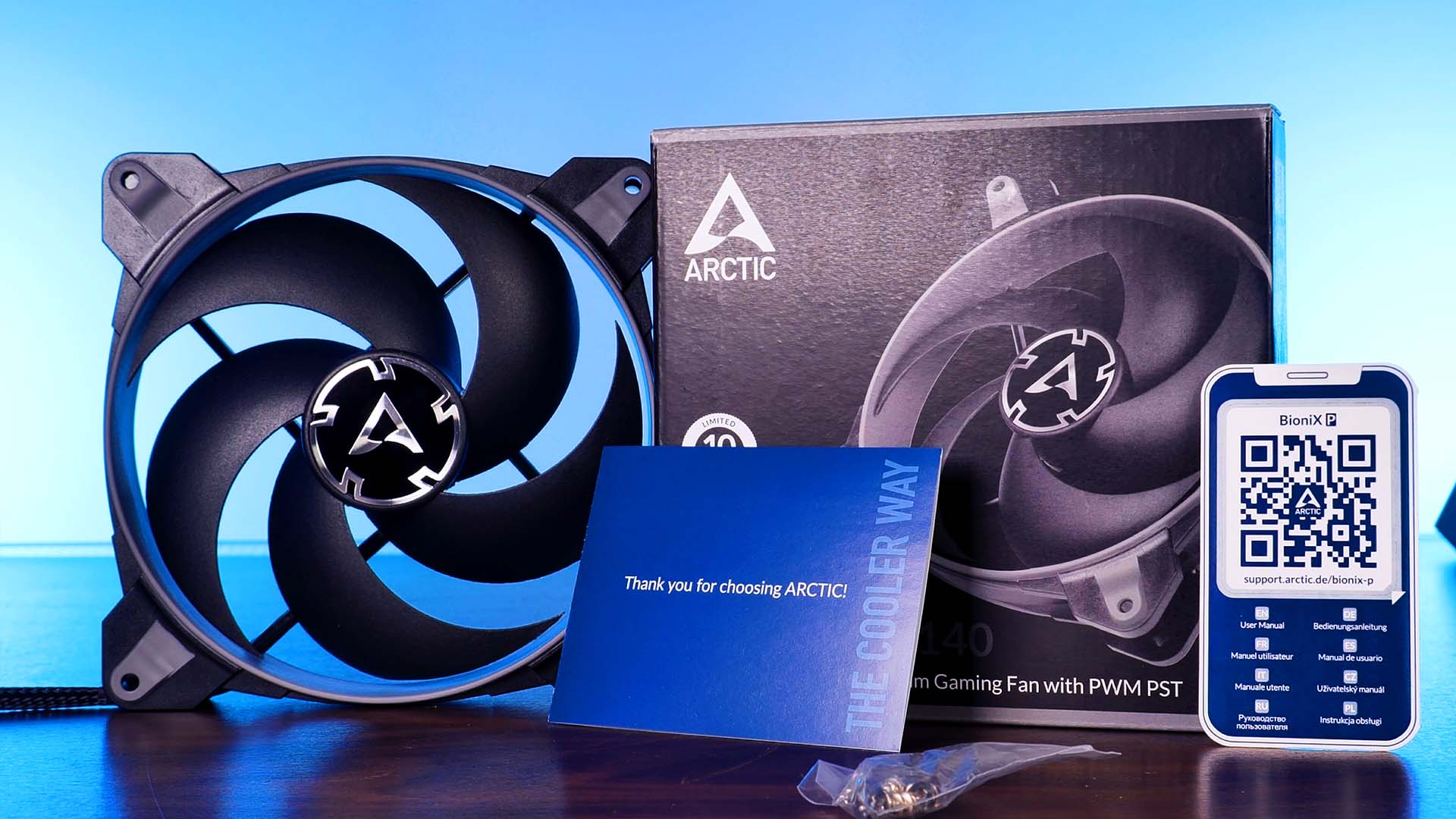
Arctic's BioniX P140 Fans come in the usual Arctic style carton box as any other BioniX fan.
Inside the black carton box featuring highlights in the Fan color you've chosen we will find the following items:
- 1x Arctic Bionix P140Fan
- 4x Fan Screws
Like we're used to, a BioniX P120 is delivered in a highly minimalistic and efficient way.
On the back of the box, we will find a number of key features, and Arctic in-house made temperature comparison, and a spec sheet which we summarized down below:
| Name | Arctic BioniX P140 |
| Size | 140x140x25mm |
| Speed | 1950RPM |
| Airflow | 77.6CFM |
| Static Pressure | 2.85mm/H2O |
| Connection | PWM |
| Color | White / Black / Grey / Red |
Installation
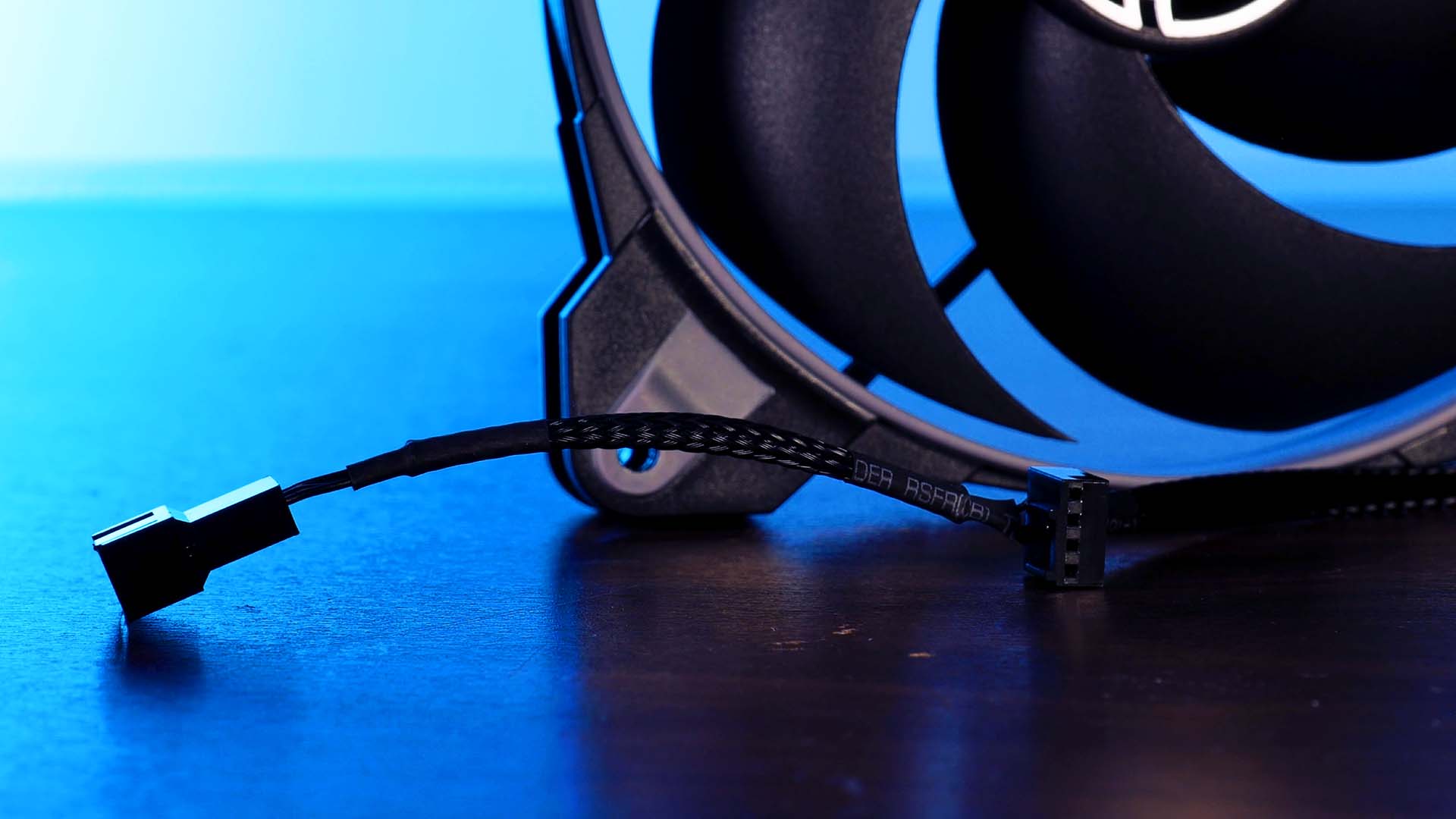
Just like every other iteration of Arctic's BioniX lineup, their P140 are using a braided cable with their PST header on the other end. This highly useful PST System offers a normal 4-Pin PWM header to connect to your motherboard or controller, as well as a female plug attached right next to the 400mm long cable.
By using this PST system, it is extremely easy to daisy-chain every fan to the exact same header on the motherboard, saving both, available headers on the motherboard, and unnecessary cable routing all across the case.
Appearance
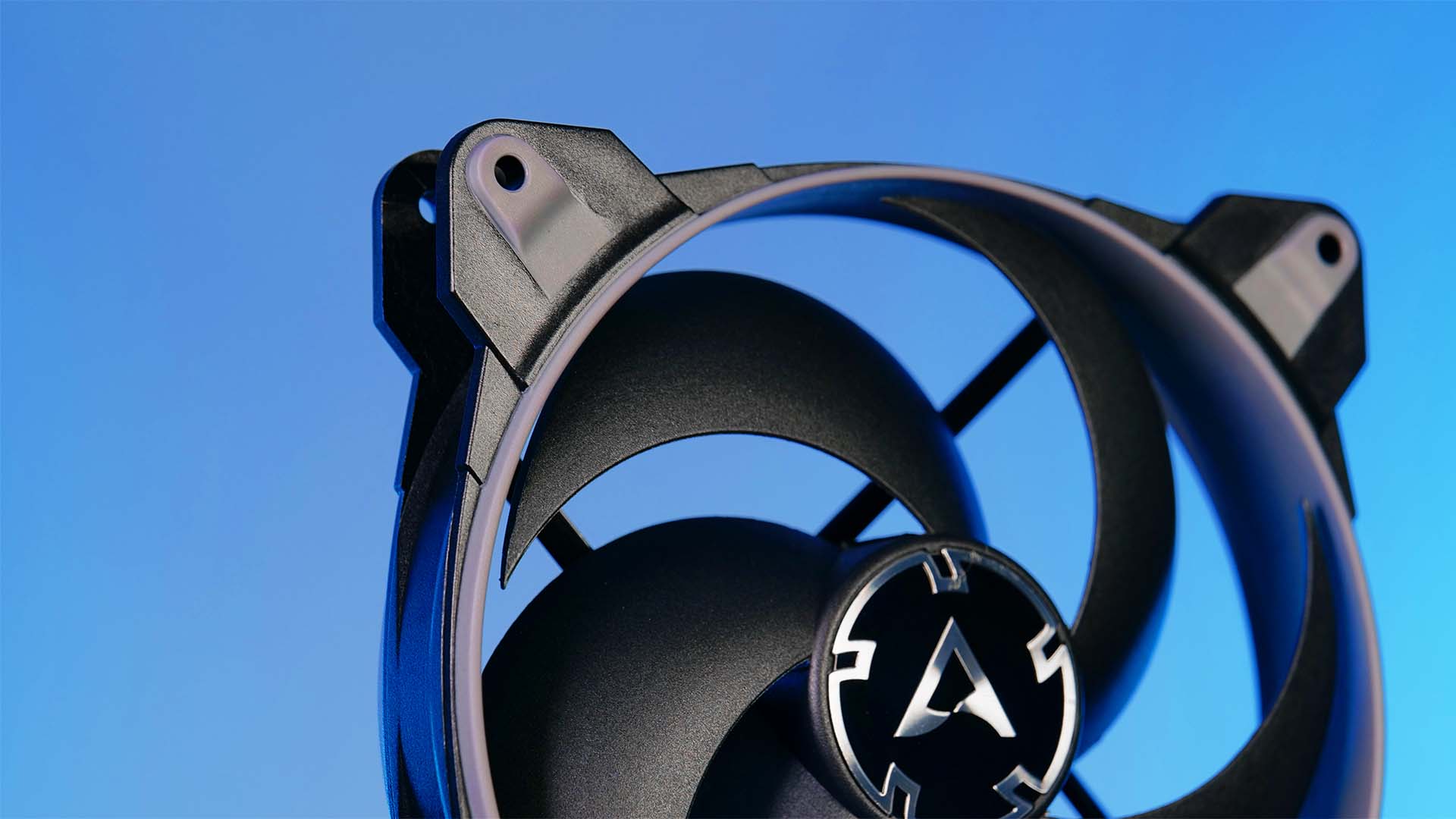
The most iconic aspect about Arctic's BioniX Lineup is clearly their "Gaming" design composed of some rubber around the Wing and screw holes.
Instead of the usual RGB implementation that we can see all across the industry, Arctic's approach goes back a couple of steps and implements color rubber in a single color.
Although it may seem outdated, we found the implementation to be clean, well done, and overall creating a refreshing new look considering that static color is nothing widely used these days.
Benchmark
We tested the BioniX P140 using our standardized benchmark test.
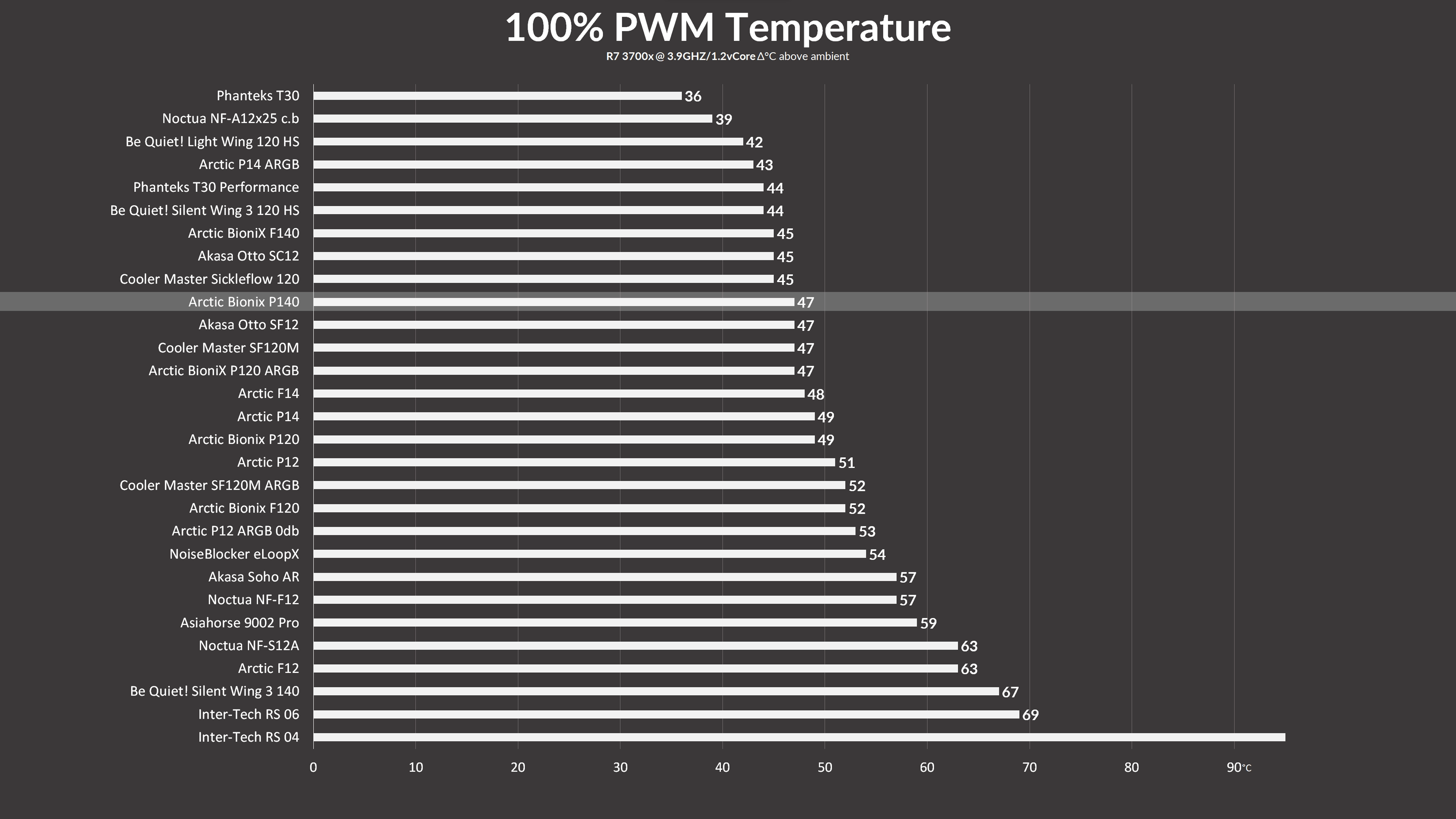
While letting them spin at 100% of their 1950 RPM, the BioniX P140 managed to keep the 3700x at 47°C. This places them 2°C in front of the P14, as well as their 120mm P120 counterpart.
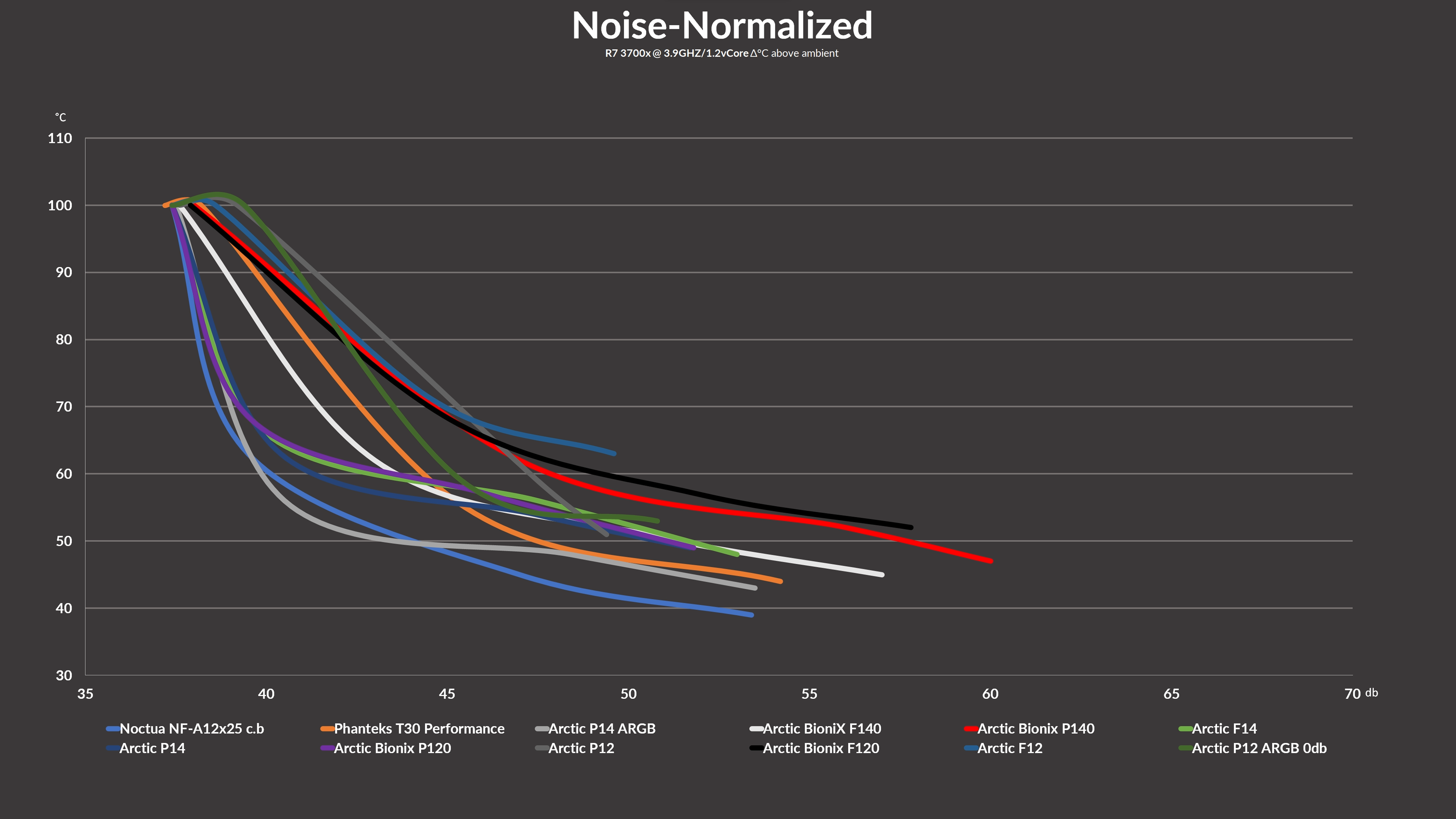
Although the Max performance is pretty impressive, the Noise-To-Performance is not quite on the same level.
After noise-normalizing our numbers, we were able to see that the BioniX P140 is actually significantly louder compared to most other Arctic Fans out there.
Conclusion
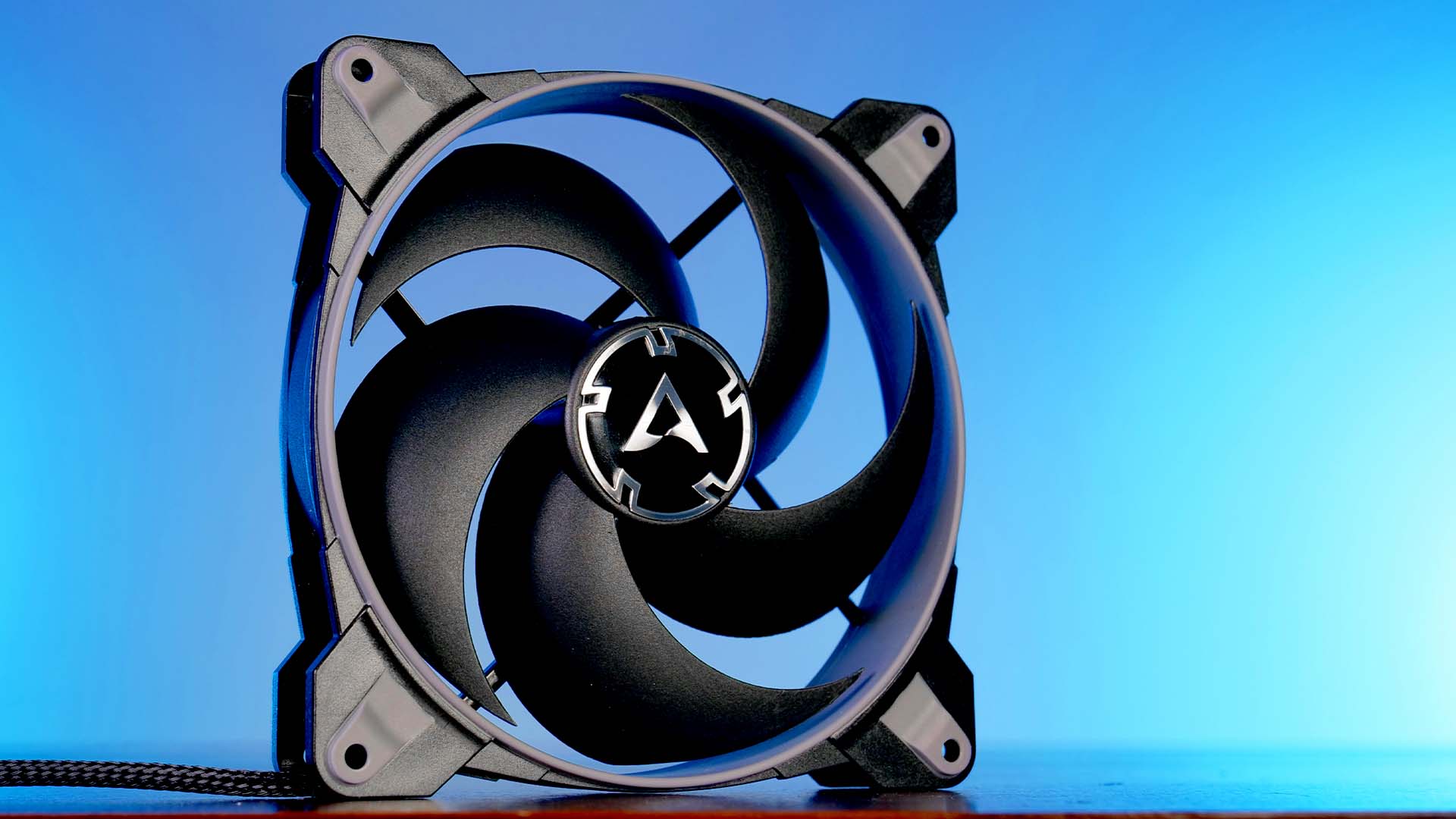
Arctic's BioniX lineup was clearly able to score many points with us due to their design.
That being said, the performance has to be on point too.
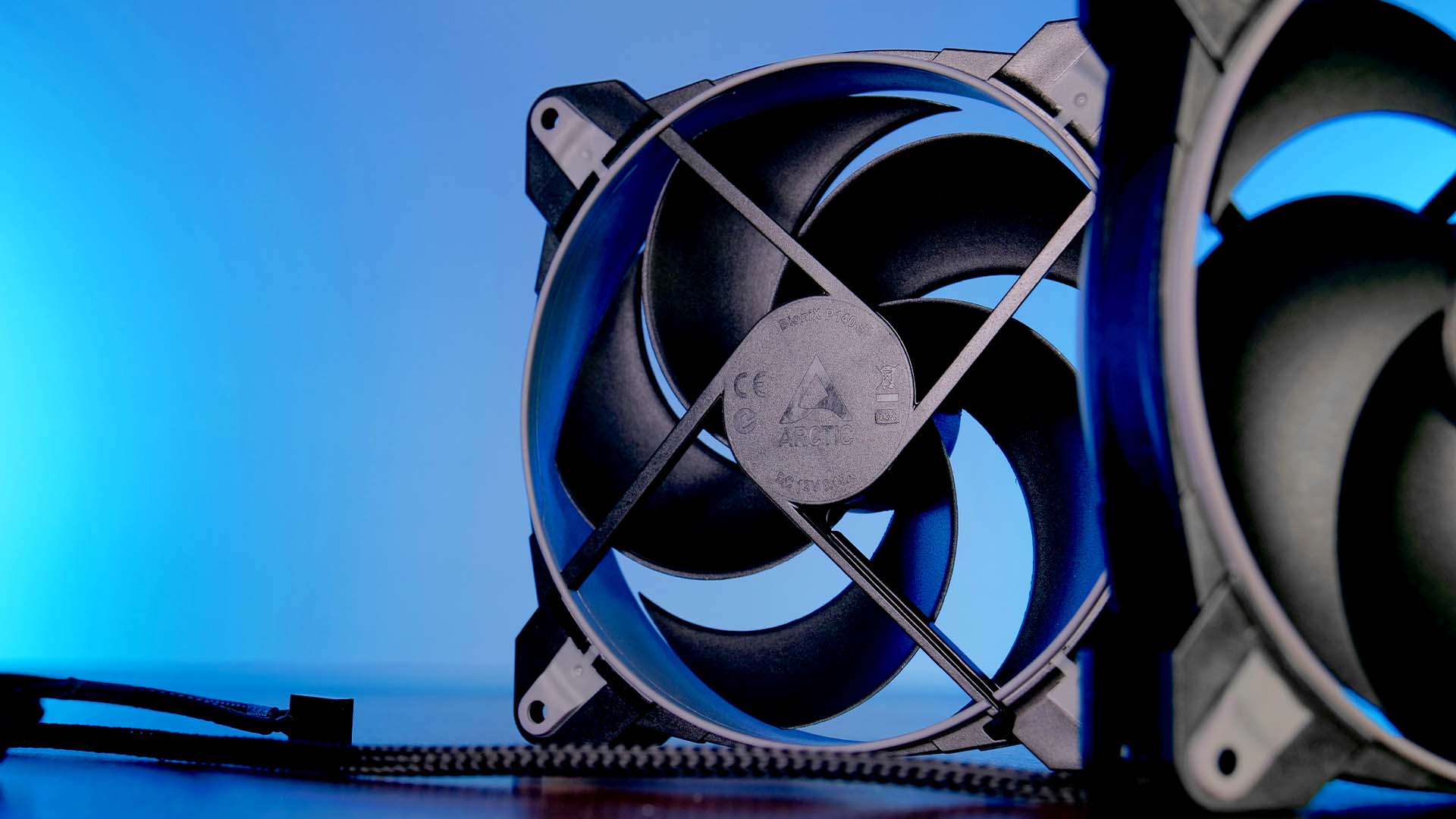
Although the BioniX P140 was able to keep its max performance on the level that we expected, the noise it created at that time, was just too high.
Unfortunately, as soon as the target temperature is set to be a bit higher, most other Arctic Fans are able to keep the CPU at said temperature while being significantly quieter.
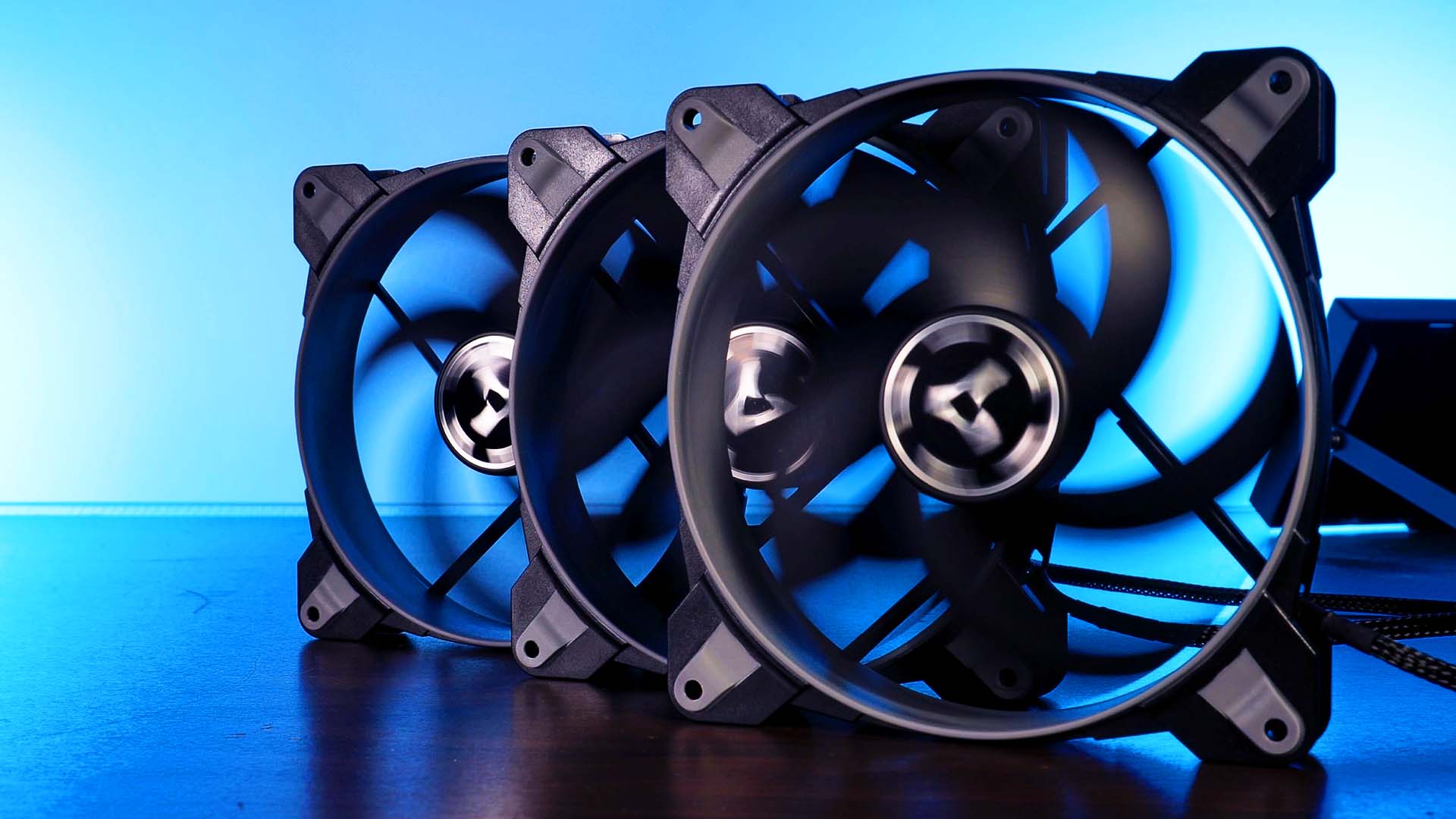
Due to the BioniX P140 being clearly outperformed by its F140 counterpart, we would recommend having a look at the BioniX F140 and its superior performance.

Arctic Freezer 7X Review
If you thought the Arctic Freezer A13x was small, wait until you see the Freezer 7x. This 1:43 Miniature of a cooler stretche
Read More
Inter-Tech IT-3503 Airstream Review
Inter-Techs IT-3503 Airstream has one giant argument! Actually, there are two. By pumping air into the case using two giant 2
Read More
Arctic F12 Review
Arctic is very well known for its excellent line of case fans. In the past, we have already had a look at their P12 & P14 hig
Read More
Phanteks Enthoo 719 Review
Phanteks has already built quite a few incredible cases. The Enthoo 719 is no different. Packed full with incredible features
Read More